

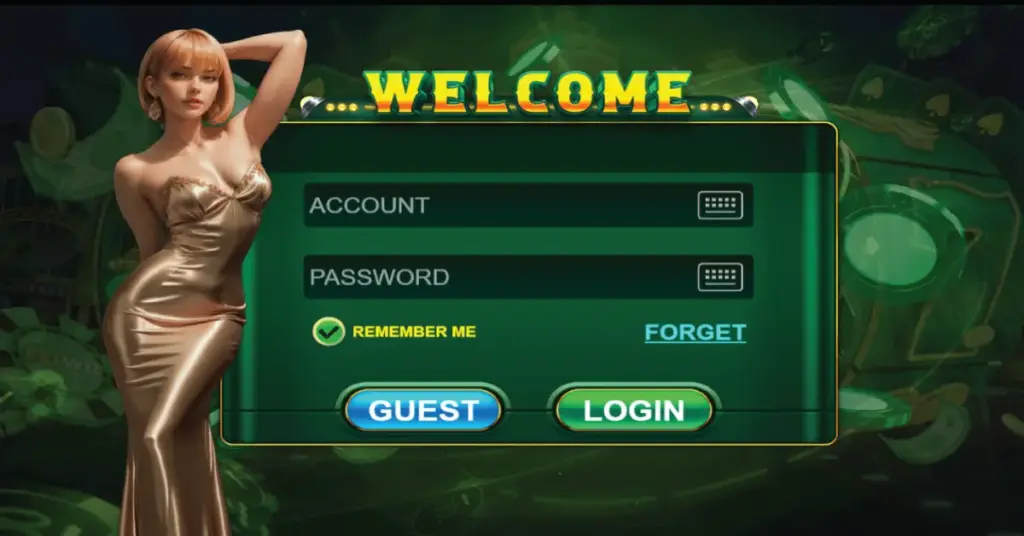
Fire Kirin is a popular fish table gaming platform, but like any mobile application, users may occasionally experience login errors, loading issues, or technical problems. Most of these issues can be resolved with a few simple troubleshooting steps. Whether you’re unable to access your account or the app isn’t working properly, understanding the common causes can save time and frustration.
Forgotten Login Credentials
One of the most common problems is forgetting your login ID or password. Since Fire Kirin accounts are typically created through an authorized agent, your credentials are usually provided during registration. If you’ve misplaced them, avoid creating multiple accounts. Instead, contact Fire Kirin support through a trusted account provider to recover your login details safely.
Incorrect Password or Login Errors
If the app reports an incorrect username or password:
- Double-check for typing mistakes.
- Ensure Caps Lock is not enabled.
- Verify that you’re using the correct login credentials.
- Restart the app and try again.
Repeated failed login attempts may temporarily restrict access, so it’s best to wait a few minutes before trying again.
App Crashes or Freezes
Unexpected crashes often occur because of outdated software or device compatibility issues. Try these solutions:
- Close and reopen the application.
- Restart your mobile device.
- Clear the app cache if your device allows it.
- Install the latest version of the Fire Kirin APK from a trusted source.
Keeping the application updated helps prevent many stability problems.
Loading and Network Issues
A slow or unstable internet connection is another common cause of loading errors. If the game gets stuck on the loading screen:
- Switch between Wi-Fi and mobile data.
- Restart your internet connection.
- Disable VPN services if they’re affecting connectivity.
- Confirm that Fire Kirin servers are operating normally.
Reliable internet access is essential for uninterrupted gameplay.
Account Access Problems
Sometimes users cannot access their accounts after changing devices or reinstalling the app. Before attempting multiple logins, gather your account information and get help with Fire Kirin through official assistance channels. They can verify your account and guide you through the recovery process without risking account security.
When Additional Help Is Needed
If none of the above solutions resolve your issue, it’s time to seek professional assistance. Whether you’re facing account creation questions, installation problems, deposit or withdrawal concerns, bonus inquiries, or technical errors, you can find Fire Kirin troubleshooting assistance on the dedicated support page. Following official guidance ensures you receive accurate information while protecting your account from unauthorized access.
Most Fire Kirin login and app issues have straightforward solutions. Keeping your app updated, maintaining a stable internet connection, and using your correct account credentials will prevent many common problems and provide a smoother gaming experience.